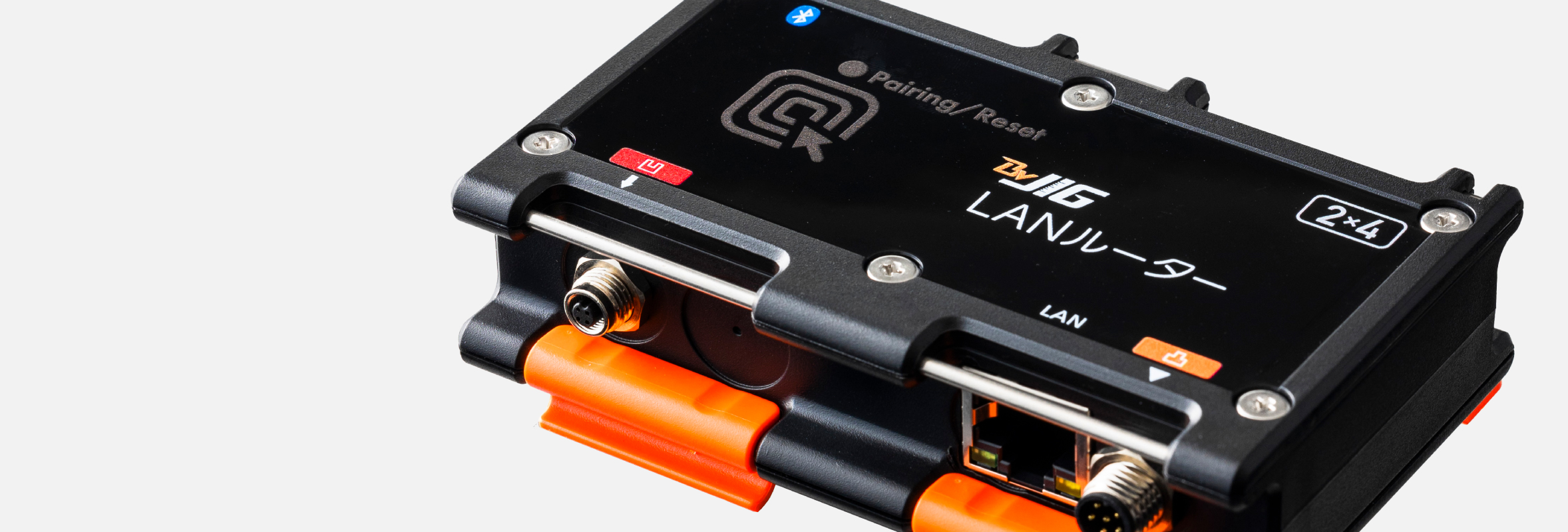
Connect with each module using Bluetooth® wireless technology
Each BraveJIG router connects wirelessly with modules using Bluetooth® wireless technology, enabling sensor data acquisition, downlink operations and settings, and DFU (device firmware updates).
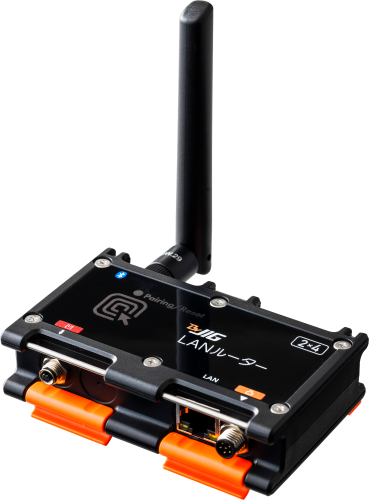
Connect to an internal LAN via Ethernet. Enables on-site visualization in a closed local area network environment.
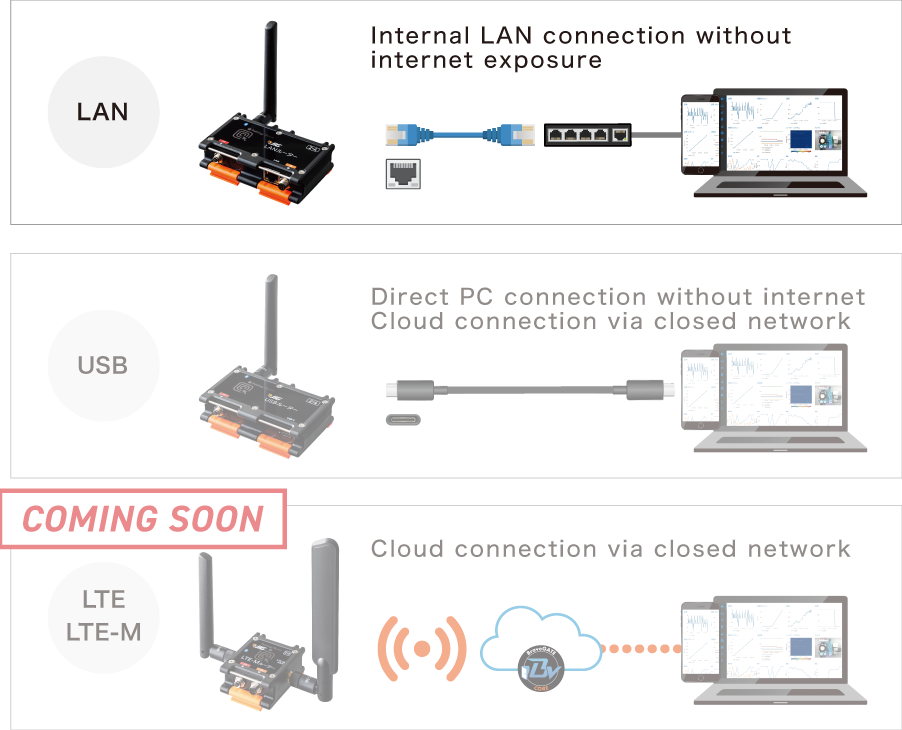
Connect to an internal LAN switching hub via Ethernet. Enables on-site visualization within a closed local area network without using the internet (LoT = LAN of Things).
Power supply to modules supported
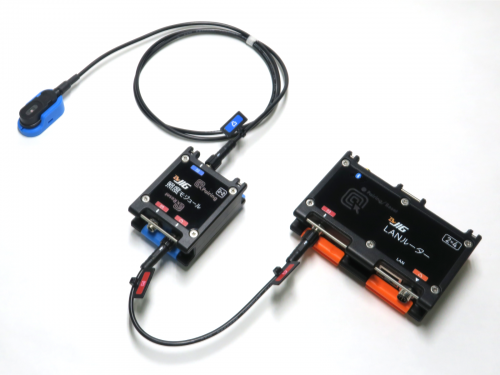
Power can also be supplied to modules from the router using a module cable.
- Modules can be powered by a module battery or via an external power conversion adapter from a distribution board or AC power source.
Specifications
- Wireless Communication
- Bluetooth® Core 5.1
NFC ISO/IEC 15693
- Bletooth® LE Module
- BVMCN52840CFSLR
- Power Supply
-
- Input Voltage: DC 5 V ±0.25 V
- Connector: 6-pin connector (M8) router power input terminal connection
- Current Consumption
-
- Normal Operation (average): 100 mA
- Normal Operation (maximum): 2100 mA
- Data Communication
Interface -
- LAN Side: Ethernet Connection (IPv4 only)
- Module Side: Bluetooth® LE
- Frequency Range
-
- Bluetooth® LE: 2,402 MHz to 2,480 MHz
- NFC: 13.56 MHz
- Transmit Power
(terminal output) - Bluetooth® LE: +8 dBm
- LAN port
- RS-45×1 (10BASE-T / 100BASE-TX)
- Communication Protocols (LAN)
-
- Transport Layer: Ethernet (TCP/IP, UDP)
- Application Layer: MQTT
- IP Address Configuration
- DHCP (static IP configuration not supported)
- MAC Address
- Fixed
- Ports Used
-
- 1883 (TCP)
- 13895 (UDP)
- Supported Network
- The LAN router and MQTT broker can only connect within the same segment.
Only one MQTT broker can be connected to the LAN router.
The IP address is automatically obtained from the DHCP server.A DHCP server is required to use this product.
- DFU
- Supported
- Dimensions
- Approx. 100 × 69 × 32 mm
- Weight
- Approx. 112 g (excluding antenna)
- Operating Temperature Range
- −10 ℃ to 60 ℃
- Dustproof / Waterproof
- Equivalent to IP65*
When dedicated cables or antennas are properly connected to each port, or when protective caps are installed.
Note: The LAN port is not dustproof or waterproof.
- Material
- PC + ABS (enclosure material)
- Production
- Braveridge Co., Ltd. Itoshima Factory
- Accessories
- Bluetooth® LE antenna, module connection port protective cap, user manual (warranty included)
Documents
BraveJIG product manuals, product specifications, software specifications, instruction manuals, etc.
DocumentsUse Cases
| BraveJIG USB Router |
BraveJIG LAN Router |
BraveJIG LAN Router (PoE) |
BraveJIG LTE-M Router |
|
|---|---|---|---|---|
| Model Number | BJ-RT-USB-01 | BJ-RT-LAN-01 | BJ-RT-LAN-02 | BJ-RT-LTEM-01 |
| LoT | ○ | ○ | ○ | ─ |
| Cloud | ─ | ─ | ─ | ○ |
| Communication Fee | ─ | ─ | ─ | Required |
| Power Supply | USB Power Supply | Power supply from external router power conversion adapter | Power supply via LAN cable | Power supply from router battery or external router power conversion adapter |
| Data Volume / Communication Frequency | High-frequency communication supported | High-frequency communication supported | ||
| Use Cases | Connect directly to a PC via USB-C without using the internet or internal LAN. Enables quick on-site visualization. | Connect to an internal LAN via Ethernet. Enables on-site visualization within a local area network without using the internet (LoT = LAN of Things). | Connect to an internal LAN via Ethernet. Enables on-site visualization within a local area network without using the internet (LoT = LAN of Things). | Connect via LTE-M to the cloud. Enables on-site visualization through cloud services. |
| Number of Concurrent Sensor Connections | 100 units | 100 units | 100 units | 100 units |