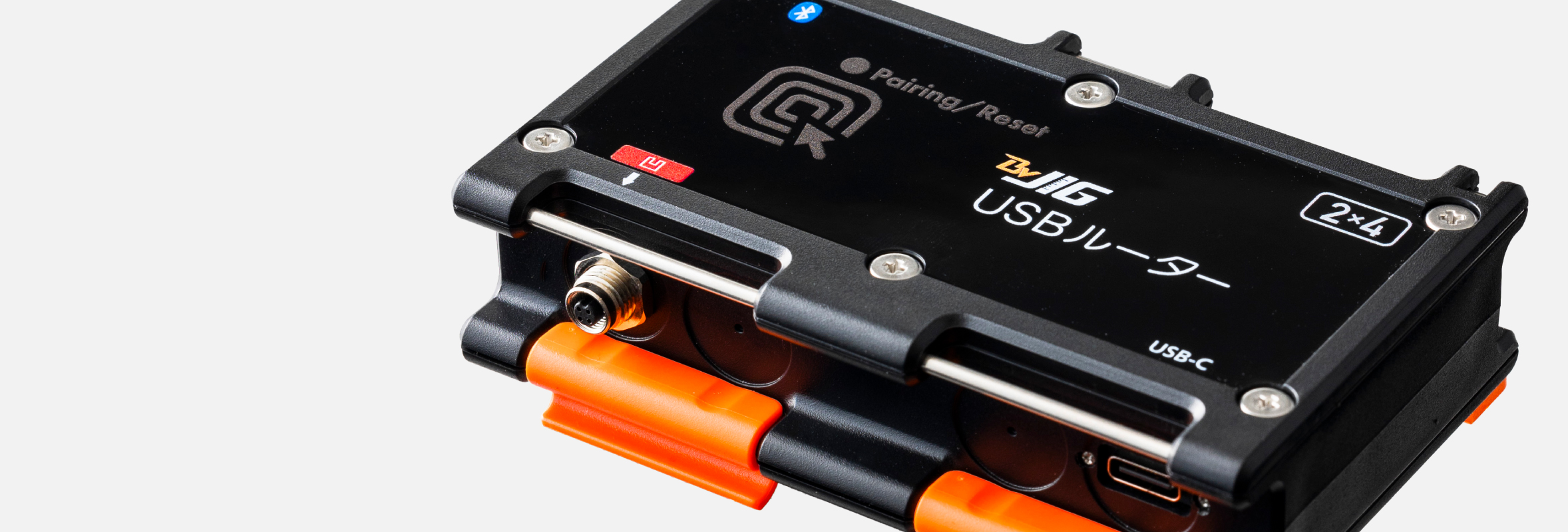
Connect with each module using Bluetooth® wireless technology
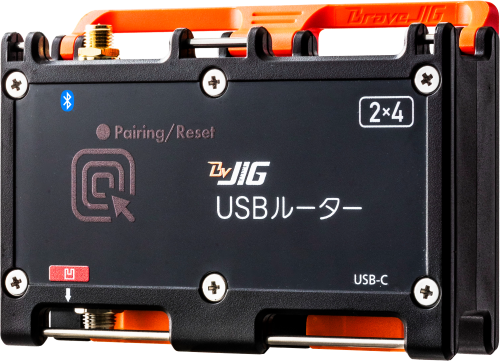
Each BraveJIG router connects wirelessly with modules using Bluetooth® wireless technology, enabling sensor data acquisition, downlink operations and settings, and DFU (device firmware updates).
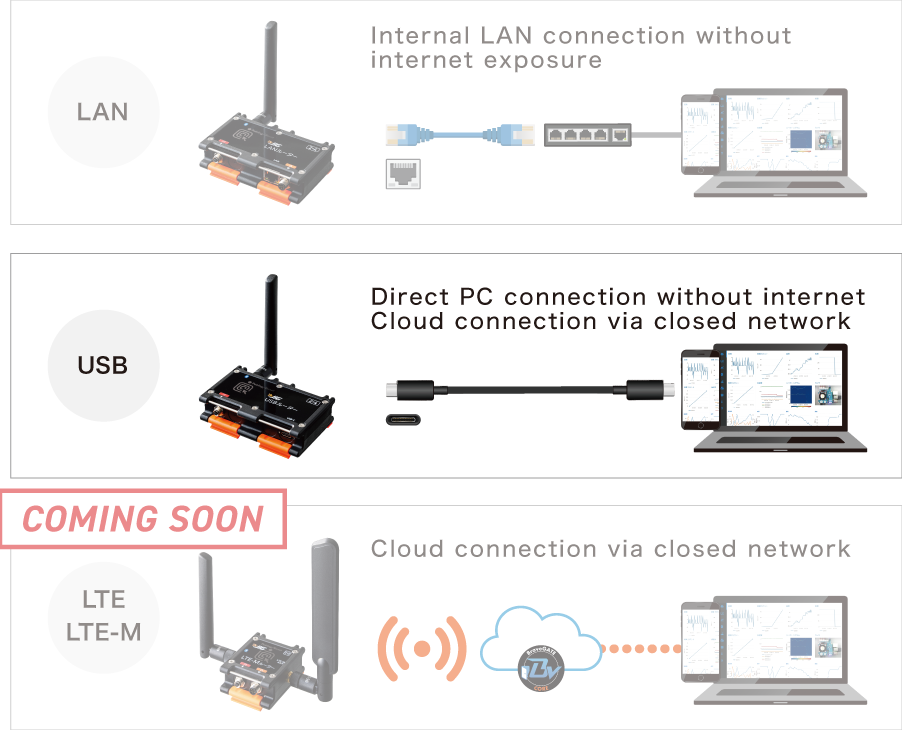
Direct PC connection via USB-C
Ideal for applications ranging from PoC to closed network environments
Connect directly to a PC via USB-C without using the internet or internal LAN. Enables quick on-site visualization, from PoC (Proof of Concept) to operation in closed environments.
Please prepare a USB cable separately for connection to a PC or other devices.
Power supply to modules supported
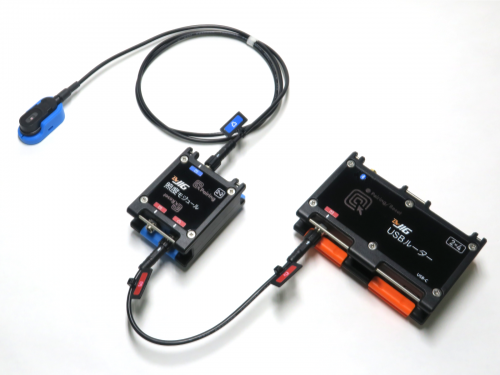
Power can also be supplied to modules from the router using a module cable.
- Modules can be powered by a module battery or via an external power conversion adapter from a distribution board or AC power source.
Specifications
- Wireless Communication
- Bluetooth® Core 5.1
NFC ISO/IEC 15693
- Bluetooth®LE
Module - BVMCN52840CFSLR
- Power Supply
- Input Voltage: DC 5 V±0.25 V
Connector: USB Type-C (USB port)
- Current Consumption
- Normal Operation: 10 mA
During Pairing: 240 mA
- Data Communication
Interface - USB Connection: USB Serial Communication
Modules: Bluetooth® LE, NFC
- Frequency Range
- Bluetooth® LE: 2,402 MHz to 2,480 MHz
NFC: 13.56 MHz
- Transmit Power
(terminal output) - Bluetooth® LE: +8 dBm
- DFU
- Supported
- Dimensions
- Approx. 100 × 69 × 32 mm
- Weight
- Approx. 106 g
- Operating Temperature Range
- −10 ℃ to 60 ℃
- Dustproof / Waterproof
- Equivalent to IP65*
When dedicated cables or antennas are properly connected to each port, or when protective caps are installed. Note: The USB port is not dustproof or waterproof.
- Material
- PC + ABS (enclosure material)
- Production
- Braveridge Co., Ltd. Itoshima Factory
- Accessories
- Bluetooth® LE antenna, module connection port protective cap, User Manual (warranty included)
Please prepare a USB cable separately for connection to a PC or other devices.
Documents
BraveJIG product manuals, product specifications, software specifications, instruction manuals, etc.
DocumentsUse Cases
| BraveJIG USB Router |
BraveJIG LAN Router |
BraveJIG LAN Router (PoE) |
BraveJIG LTE-M Router |
|
|---|---|---|---|---|
| Model Number | BJ-RT-USB-01 | BJ-RT-LAN-01 | BJ-RT-LAN-02 | BJ-RT-LTEM-01 |
| LoT | ○ | ○ | ○ | ─ |
| Cloud | ─ | ─ | ─ | ○ |
| Communication Fee | ─ | ─ | ─ | Required |
| Power Supply | USB Power Supply | Power supply from external router power conversion adapter | Power supply via LAN cable | Power supply from router battery or external router power conversion adapter |
| Data Volume / Communication Frequency | High-frequency communication supported | High-frequency communication supported | ||
| Use Cases | Connect directly to a PC via USB-C without using the internet or internal LAN. Enables quick on-site visualization. | Connect to an internal LAN via Ethernet. Enables on-site visualization within a local area network without using the internet (LoT = LAN of Things). | Connect to an internal LAN via Ethernet. Enables on-site visualization within a local area network without using the internet (LoT = LAN of Things). | Connect via LTE-M to the cloud. Enables on-site visualization through cloud services. |
| Number of Concurrent Sensor Connections | 100 units | 100 units | 100 units | 100 units |